Get online in Japan
Connectivity
Prepare phone power and charging safely, start with free Wi-Fi, then compare travel SIM, eSIM and pocket Wi-Fi options.
Start with your situation
What do you need to solve?
First: Keep a record of the error and your current settings. Check the existing connection before buying another service or deleting an eSIM.
My phone has no internet
Choose the symptom: Wi-Fi login, mobile data, provider setup or weak signal.
Diagnose the connection →I need a SIM, eSIM or pocket Wi-Fi
Check your exact phone, lock status and whether you need calls as well as data before paying.
Choose a compatible service →My battery is running low
Check safe charging options and power-bank handling, including flight and disposal precautions.
Check power and charging →Before you need help: three things to prepare
- Save the hotel address, next route and provider support details offline.
- Keep installation instructions available on a second screen or saved file.
- Carry a suitable cable and check the charger label before use.
Guides in this category
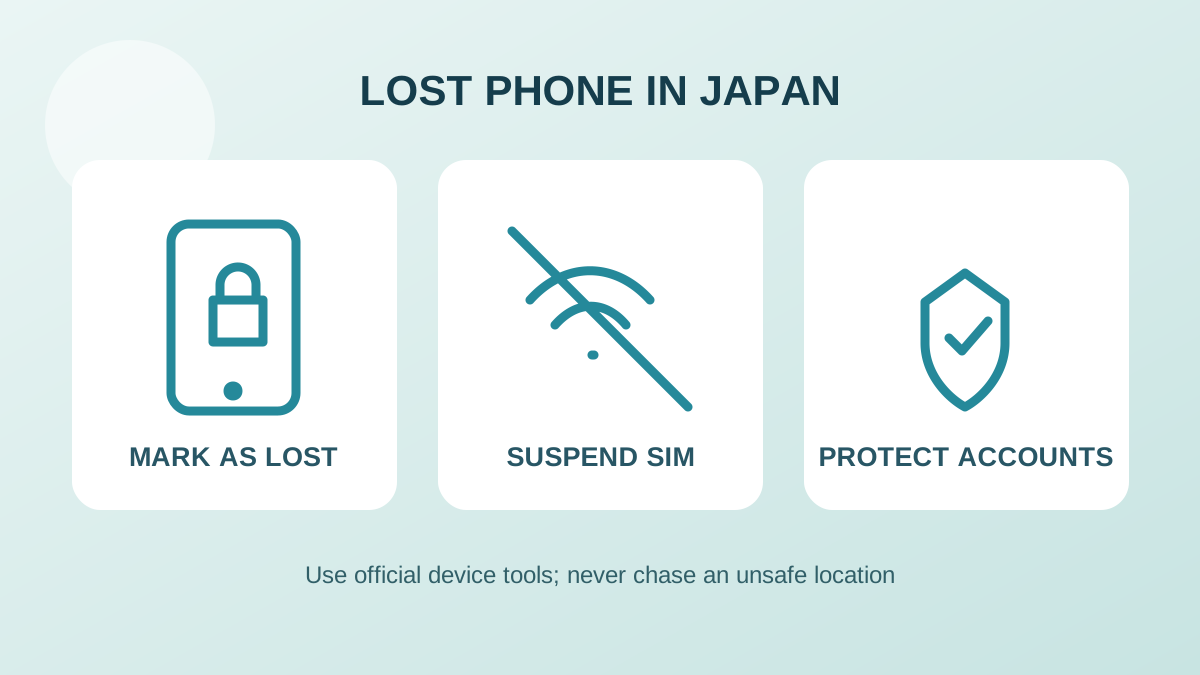 Lost or stolen phone in JapanLocate and lock a lost phone safely, suspend the SIM and payments, report it and restore essential travel access without erasing too early.Read the guide →
 Power banks and charging in JapanCheck Japan’s flight limits, cabin-bag rules, 100 V charging and how to dispose of an intact, swollen or damaged power bank safely.Read the guide →
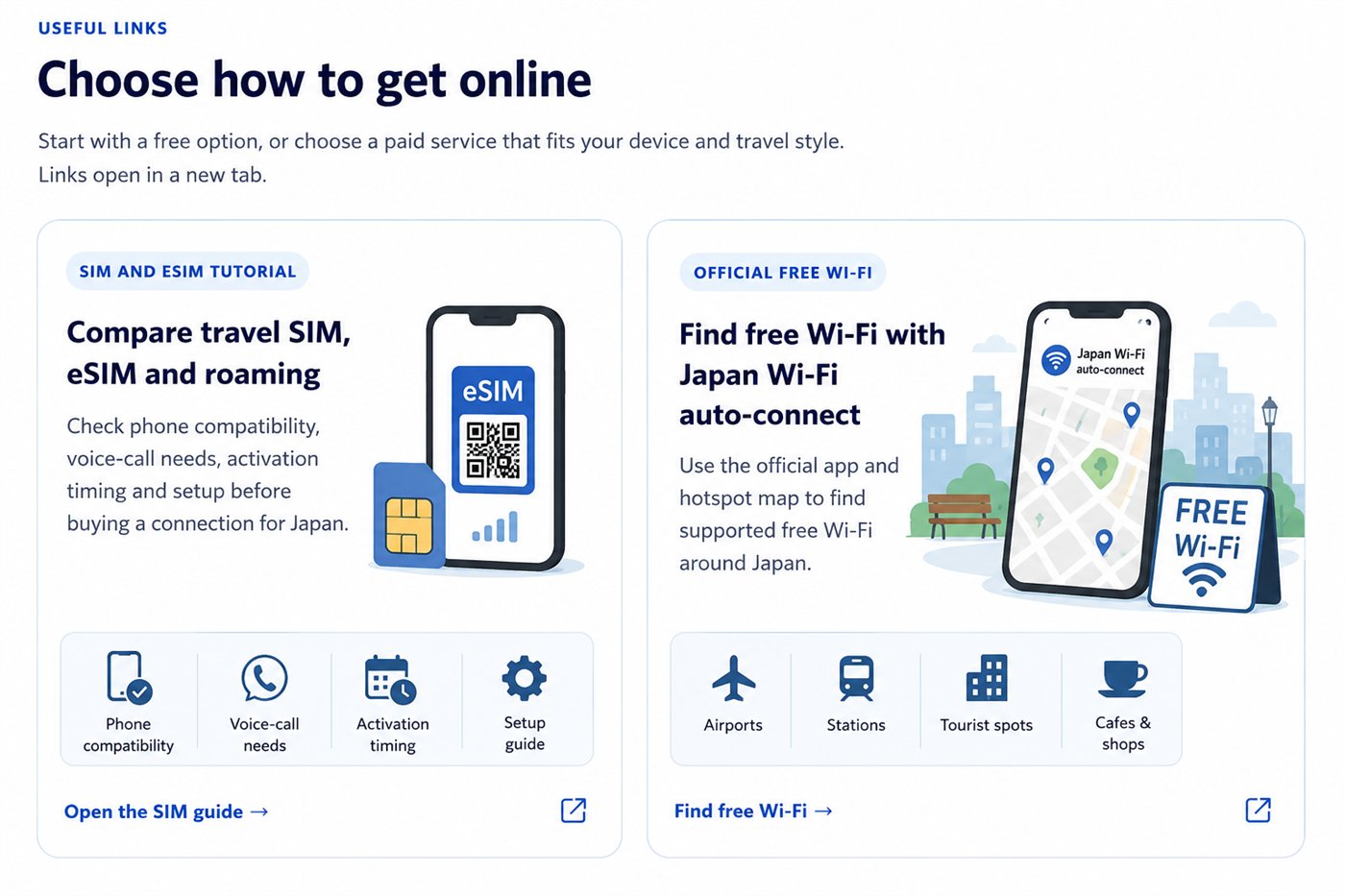 No internet connectionNo internet in Japan? Diagnose Wi-Fi login, roaming, eSIM, APN or weak-signal problems, reconnect safely and keep an offline route and emergency backup.Read the guide →
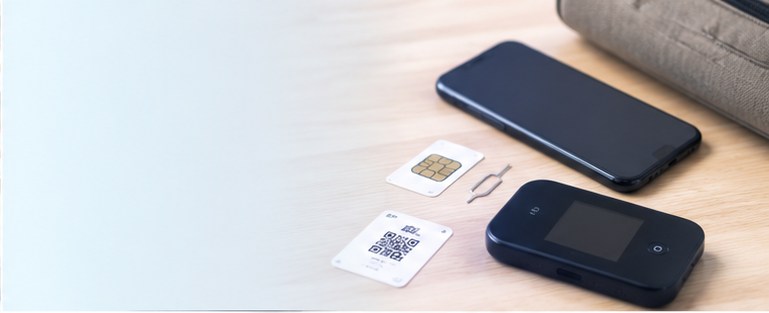 Japan prepaid SIM, eSIM or pocket Wi-FiNeed mobile data in Japan? Choose a prepaid SIM, eSIM, roaming plan or pocket Wi-Fi by phone compatibility, pickup needs and number of devices.Read the guide →