What to do right now
Use trusted Wi-Fi first, identify whether Wi-Fi, the selected data line, roaming, APN or local signal is failing, then change one setting at a time before buying another plan.
- 1Get a trusted connection and save the error
- 2Check the selected data line and provider settings
- 3Restart once, then contact the provider
Follow these steps
Get a trusted connection and save the error
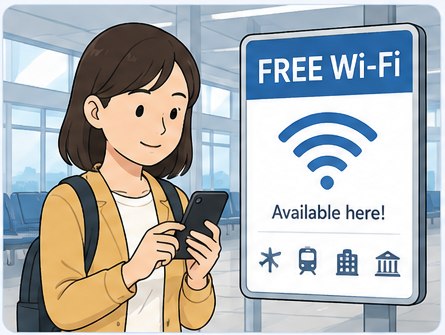
Use your hotel, airport or another clearly identified network. Save screenshots and the provider’s setup instructions before changing settings.
Check the selected data line and provider settings
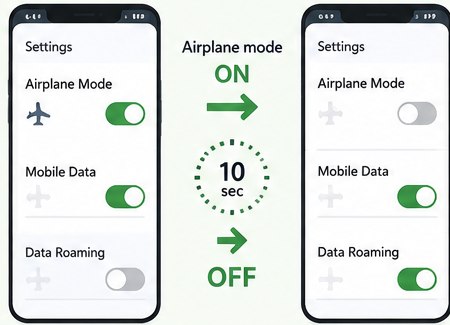
Confirm that the intended SIM or eSIM is on, selected for mobile data and using the provider’s required roaming and APN settings.
Restart once, then contact the provider
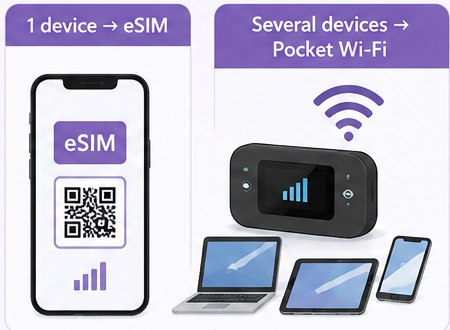
Toggle airplane mode briefly, restart once and test. Do not delete an eSIM unless support confirms that its installation code can be reused.
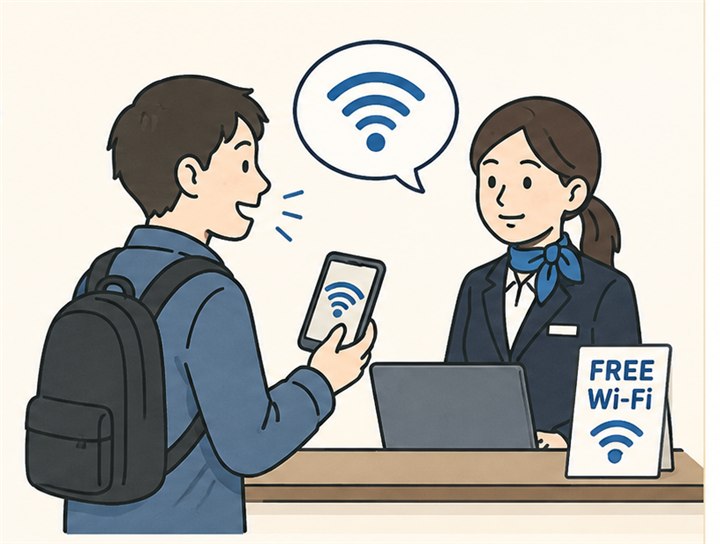 Useful Japanese phrase
Is free Wi-Fi available here?
無料Wi-Fiはありますか?
Muryō Wi-Fi wa arimasu ka?
 Compare travel SIM, eSIM and roaming
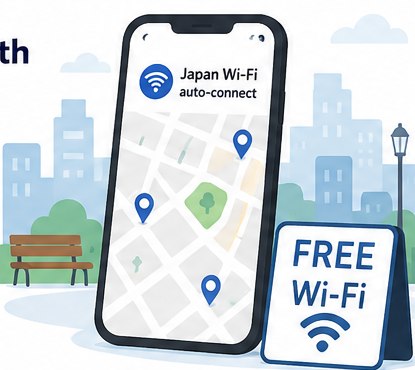 Find free Wi-Fi with Japan Wi-Fi auto-connect
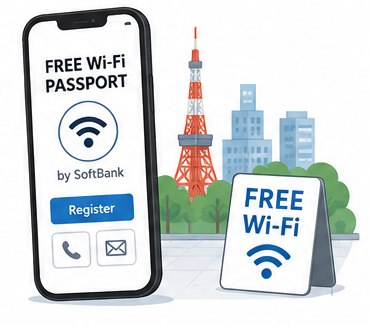 Use SoftBank FREE Wi-Fi PASSPORT
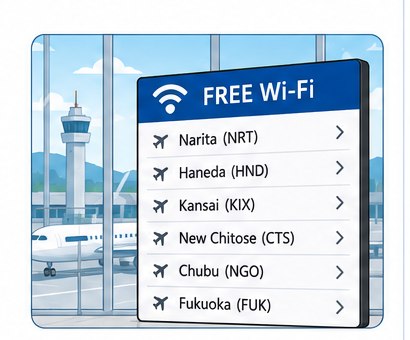 Check free Wi-Fi at major Japanese airports
 Get online with a Sakura Mobile travel eSIM or SIM
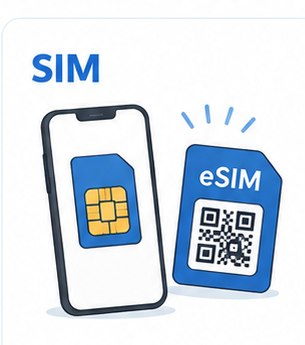 Japan prepaid SIM, eSIM or pocket Wi-Fi
Read the guide →
Japan prepaid SIM, eSIM or pocket Wi-Fi
Read the guide →