Japan prepaid SIM, eSIM or pocket Wi-Fi: which should I choose?
Need mobile data in Japan? Choose a prepaid SIM, eSIM, roaming plan or pocket Wi-Fi by phone compatibility, pickup needs and number of devices.
Last updated:
Quick answer
Need internet now? Use safe Wi-Fi to check your exact phone first. Choose an eSIM for a compatible unlocked phone, a prepaid physical SIM for an unlocked phone with a SIM tray, or pocket Wi-Fi for several devices.
1
Start with the problem in front of you
Already in Japan with no connection? Use official free Wi-Fi first so you can check compatibility, buy a plan and save setup instructions.
2
Check your exact phone before paying
Confirm that the phone is unlocked and supports the eSIM or physical SIM for your exact model and country version.
3
Choose by function, not only price
Many travel products are data-only. Confirm calls, SMS, Japanese phone number, tethering, validity and pickup or return rules before paying.
Useful Japanese phrase
Does this SIM work with my phone?
このスマートフォンで使えるSIMカードはありますか?
Kono sumātofon de tsukaeru SIM kādo wa arimasu ka?
SIM
Need internet now? Do this first
Connect to trusted hotel, airport or other official free Wi-Fi. Check your exact phone model and whether it is unlocked before buying anything. If you only need to get online long enough to fix the problem, start with the no-internet troubleshooting guide.
Choose by your situation
What should I use in Japan?
Already in JapanI have no connection now
Use official free Wi-Fi to check compatibility and complete setup. Choose a same-day eSIM if your unlocked phone supports it, or ask about a physical prepaid SIM or pocket Wi-Fi you can collect locally.
Before departureI want the least setup after landing
An eSIM or a confirmed roaming plan is usually the simplest. Install only when the provider tells you to, and save the QR code and instructions offline.
No eSIM supportMy phone has a SIM tray
Choose a prepaid physical SIM only after confirming that the phone is unlocked, the SIM size is correct and the provider supports your exact model and country version.
Family or work tripI need several devices online
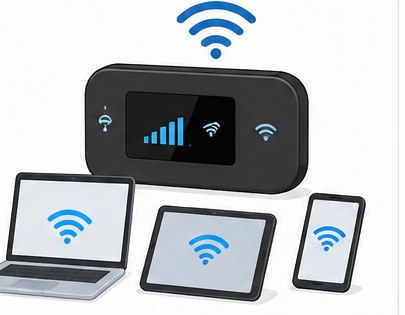
Pocket Wi-Fi can share one connection. Check battery life, collection, return deadline, data limits and loss fees before booking.
Compare the four connection types
Prepaid SIM, eSIM, roaming or pocket Wi-Fi
eSIMFastest when your phone supports it
Buy online and install digitally—no airport pickup or plastic card. Your phone must be unlocked and eSIM-compatible. Keep the installation QR code available on another screen or offline.
Best for: one compatible phoneSIMPrepaid physical SIM
Useful when your phone has a SIM tray but no eSIM. Confirm the SIM size, exact device model, country version and APN instructions. Store your home SIM safely after swapping it.
Best for: unlocked phones with a SIM slotHOMEYour carrier’s roaming plan
Usually the simplest because you keep your normal line. Ask your carrier about Japan coverage, daily limits and charges before departure, then prevent accidental pay-as-you-go roaming.
Best for: convenience and keeping your numberWi-FiPocket Wi-Fi
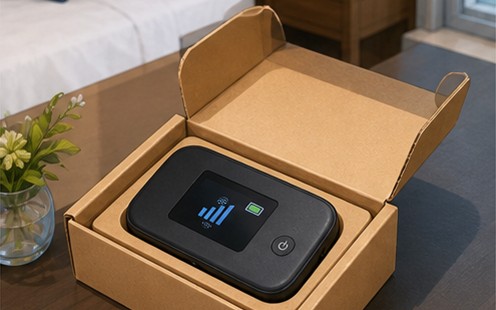
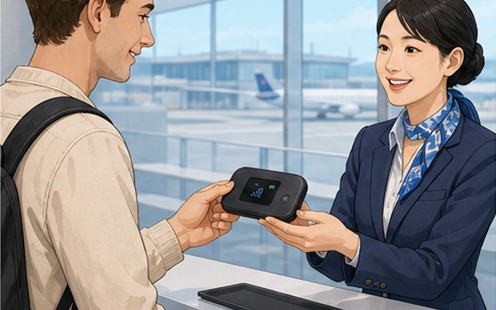
Connect several phones, tablets or laptops to one portable router. Remember collection, charging, daily data limits, return time and possible loss fees.
Best for: groups and several devices
Short tripPrepaid travel service
Fixed days or data allowance
One-time payment is common
Often data-only
Identification rules vary by product
Living in JapanMonthly resident service
Ongoing monthly billing
May include a Japanese number
Identity, address and payment checks may apply
Cancellation and minimum-use rules vary
Check these before you pay
1. Unlocked phoneA travel SIM from another provider will not work in a carrier-locked phone.2. eSIM or physical SIMConfirm eSIM support, SIM tray and size for your exact model and country version.3. Data, calls and SMSCheck the plan type. “Data only” normally means no ordinary mobile calls, texts or Japanese phone number.4. Start and end rulesValidity may begin at installation, activation or first network connection. Follow that product’s current policy.5. Data and tetheringCheck high-speed allowance, fair-use limits and whether hotspot sharing is allowed.6. Coverage and supportCheck the provider’s network, expected travel area, APN guide and English support before purchase.
!
Do not assume a data-only SIM can call 110 or 119
Most travel eSIMs and SIMs are data-only. Internet calling and messaging apps are not the same as ordinary telephone service and may not connect to Japanese emergency numbers. If emergency calling matters, choose and verify a voice-capable plan before relying on it. Otherwise use another working phone or ask hotel, station, shop or nearby staff to call.
After purchase
Safe setup order
1
Connect to reliable Wi-Fi
Save the provider’s email, QR code, activation instructions and support details so you can recover if mobile data does not work.
2
Install the eSIM or insert the SIM
Follow the provider’s timing. Installing too early can start some plans; installing too late can leave you without the Wi-Fi needed for setup.
3
Choose the travel line for mobile data
Label the lines clearly. Turn off data roaming on your home line to avoid charges. Enable roaming on the travel line only if its instructions require it.
4
Enter the APN when required
Copy the exact access-point name, user name and password from the current provider guide. Do not guess.
5
Test before leaving Wi-Fi
Open a webpage and map, send a message and confirm which line is using data. If voice is included, test a normal non-emergency call.
No connection after setup?
Confirm you are inside the plan’s coverage area and its validity period has started.
Check that the travel line is on and selected for mobile data.
Recheck the provider’s data-roaming and APN instructions.
Turn airplane mode on briefly, restart the phone and try automatic network selection again.
Do not delete an eSIM unless support tells you to; some QR codes can be installed only once.
Use Wi-Fi to contact the provider and send screenshots of the line, APN and error message.
Dual-SIM reality
Keep calls, texts and data separate in your plan
Label both linesUse names such as “Home” and “Japan data” before changing settings so you do not disable the wrong line.Choose one data linePhones normally use one default line for mobile data. On Pixel, Google notes that only one SIM can be the default data SIM.Protect the home line from roamingKeep the home line available for necessary SMS only when your carrier permits it, but disable its mobile-data roaming unless you intentionally bought a roaming plan.Control automatic switchingAutomatic data switching can move data back to the home line. Turn it off when you need predictable billing, unless your device and carrier instructions require otherwise.
SIM & ESIM FAQ
Avoid the setup mistakes that end a trip connection
Can I scan an eSIM QR code shown on the same phone?
Setup methods differ. Some phones and providers can read a saved code or use a carrier app; others require the QR code on another screen or manual details. Save the email offline and follow the provider’s exact method before leaving Wi-Fi.
Should I install the eSIM before flying?
Follow the product’s activation rule. Installation, activation or the first network connection may start validity depending on the plan. Install early enough to get support, but do not assume every plan starts at the same event.
Will my normal phone number still receive verification texts?
That depends on your home carrier, phone and roaming status. A travel data eSIM normally does not replace the home number. Confirm incoming-SMS and roaming charges with the home carrier before relying on it for banking or account access.
Can I share the connection with a laptop?
Only when the product allows tethering and the phone supports it. Check hotspot rules and high-speed limits before paying; “unlimited” wording can still include fair-use or speed restrictions.
Useful Japanese phrases
このスマートフォンで使えるSIMカードはありますか?Kono sumātofon de tsukaeru SIM kādo wa arimasu ka?Do you have a SIM that works with this phone?
eSIMを設定したいです。eSIM o settei shitai desu.I want to set up an eSIM.
インターネットにつながりません。Intānetto ni tsunagarimasen.I cannot connect to the internet.
電話番号は付いていますか?Denwa bangō wa tsuite imasu ka?Does it include a phone number?
Official JNTO, Apple and Google device guidance and current provider information checked on September 19, 2026. Plans, prices, stock, coverage, fair-use limits, identification, activation, calls, SMS, dual-SIM behavior and hotspot rules can change. Confirm the current product details and your exact device before buying.
Useful links
Compare short-term connectivity options
Read the official visitor guidance first, then compare only the connection type that fits your phone and situation. Links open in a new tab.
Quick choiceNeed internet right now: use trusted free Wi-Fi to check and set up the right optionPrepaid SIM or eSIM: compare Sakura Mobile, Airalo or Mobal after checking your exact phoneSeveral devices: WiFi Rental Store, NINJA WiFi or WiFiBOXFree options first: use the separate no-internet troubleshooting guide
Wi2 300, WiFi Rental Store, NINJA WiFi, WiFiBOX, Airalo, Sakura Mobile and Mobal are paid third-party services. Links labeled “Affiliate link” may earn this site a commission at no extra cost to you. Check coverage, device compatibility, activation timing, delivery, pickup and return conditions before paying.
 JNTO Wi-Fi and connectivity guide
 Compare Sakura Mobile travel products
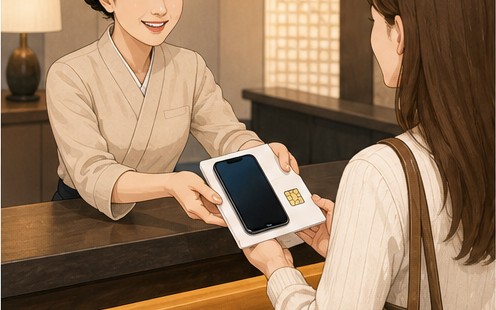 Compare Mobal tourist SIM and eSIM plans
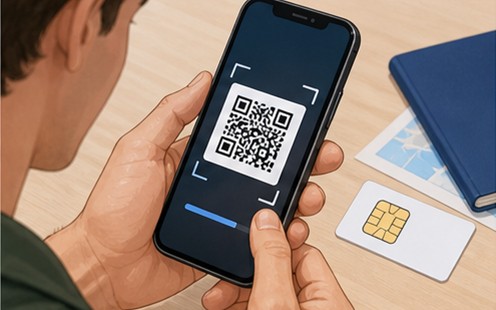 Compare Airalo Japan eSIM plans
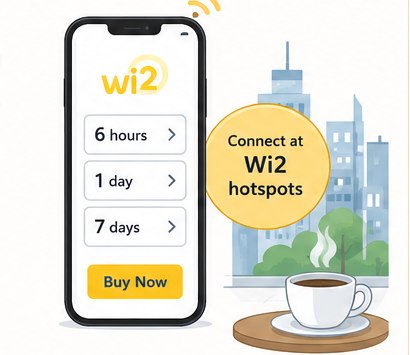 Get online without collecting a device
 Pick up a WiFiBOX rental
 Rent one router for several devices

 Reserve NINJA WiFi for your trip
 Quick choice