Restaurant Ticket Machines in Japan: Paid but No Food?
Paid at a restaurant machine but unsure what happens next? Check ticket handover, automatic orders and pickup numbers before buying again.
Page updated:
Source-check dates are shown with the relevant information below. A page edit does not mean every detail was rechecked.
Keep the ticket and check the order before paying again
A meal ticket does not always mean someone will bring food to your seat. Some restaurants need you to hand the ticket to staff; others send the order automatically and ask you to collect it when ready. Keep every printed slip, read the instructions and show staff your ticket if you are unsure. Different dishes can take different times: waiting alone does not prove the order failed.
1. The problem: “I paid, sat down, and nothing happened”
Example scenario: a traveler buys a noodle ticket, sits at an empty counter and waits. Other customers receive food. The traveler wonders whether to buy another ticket. This is an illustrative situation, not a claimed firsthand visit.
The useful question is not “How many minutes should I wait?” It is “Has my order reached the kitchen, and how will I receive it?” Check the paper and the counter signs before assuming a delay is a payment problem.
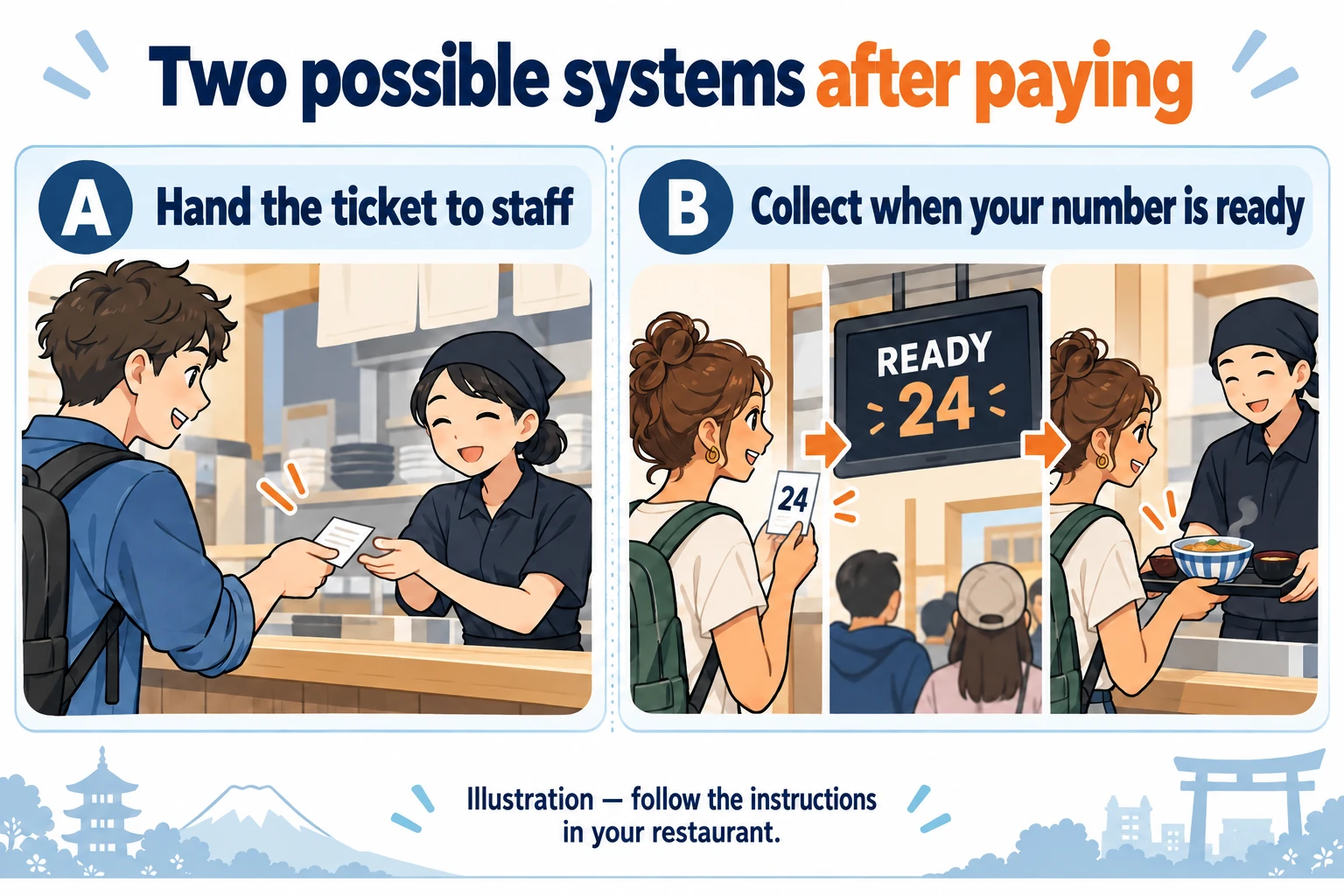
- Staff takes the ticket: show it to the designated staff member or counter. Follow their seating instructions.
- Order sent automatically: retain the ticket and follow the restaurant’s waiting and collection instructions.
- Not sure: show the slip and ask whether the order is already registered. Do not buy the same meal again just to make something happen.
JNTO’s ramen guide describes handing meal tickets to the chef. Matsuya’s self-service instructions describe automatic order transmission after purchase, followed by number-based collection. These are examples of different systems, not interchangeable instructions.
2. Before buying: check what the button actually includes
If you have not paid yet, look for a language option and choose at your own pace. If you need more time, step aside where possible without abandoning a payment already in progress. Ask staff how to continue or cancel safely.
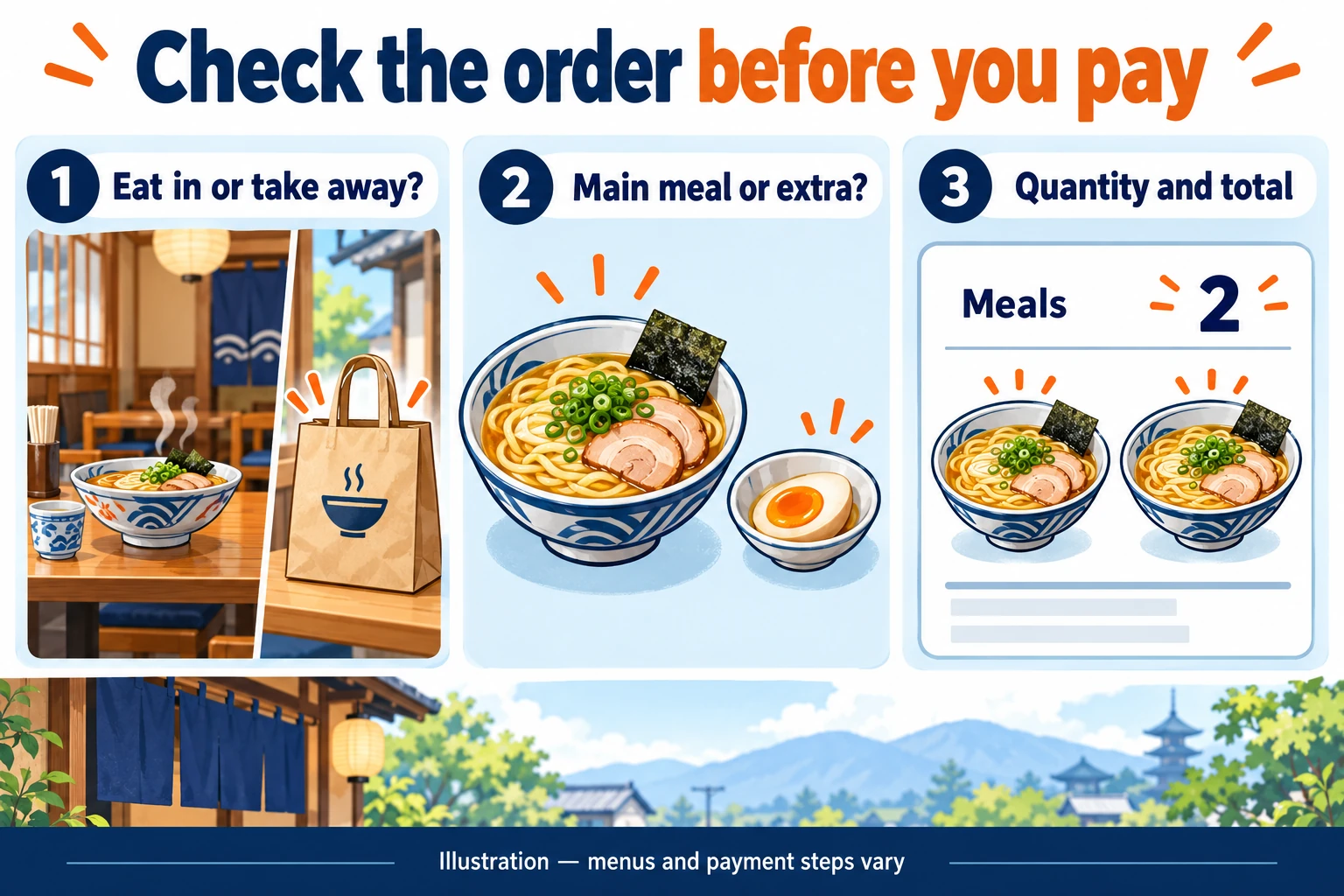
- Eat in or take away? Make the selection that matches your plan. Do not assume a takeaway order reserves a seat.
- Complete meal or extra? Check the item name and description. An egg, rice upgrade or extra noodles may be an addition rather than a complete meal.
- Size and quantity? For two diners, check that the basket contains the intended meals, not one meal with two toppings. Follow any per-person ordering policy.
- Payment accepted here? Read the displayed methods before inserting cash or tapping a card. Some machines take money before item selection; others ask for payment after a basket review.
Do not infer ingredients from a photograph. If you have a food allergy or dietary requirement, check with staff before buying; use our food-restriction guide for the questions to ask.
Cashless availability is not identical across a chain. ICHIRAN’s FAQ says its cashless ticket machines have exceptions and directs diners to individual restaurant information. Check the actual branch and machine.
3. Collect the paper, then identify the next step
Before leaving the machine, collect the ticket, any receipt, your card if inserted, and any change due according to the machine’s instructions. Do not assume every printed sheet serves the same purpose. Keep all slips until you have received the correct order.
| Label | Meaning | What to check |
|---|---|---|
| 食券 | Meal ticket | Must staff take it, or should you retain it? |
| 番号 | Number | Which number identifies your order? |
| 調理中 | Being prepared | This is not a ready-to-collect notice. |
| お呼び出し | Calling / called orders | Match your number and follow the collection instructions. |
| 受取口 | Pickup counter | Bring the ticket if requested. |
| 返却口 | Return counter | For used trays and dishes, not food collection. |
Wording and screen layouts vary. In Matsuya’s published self-service example, the order appears on the preparation side first and moves to the ready side when the food is done. A number appearing somewhere on a screen does not by itself mean the meal is ready. Check the heading above that number.
When your order is called, match the number on your own slip. If part of a multi-item order seems missing, ask whether the remaining item will follow before walking away. Follow the shop’s instructions for returning dishes after eating.
4. Already paid? Use this recovery checklist
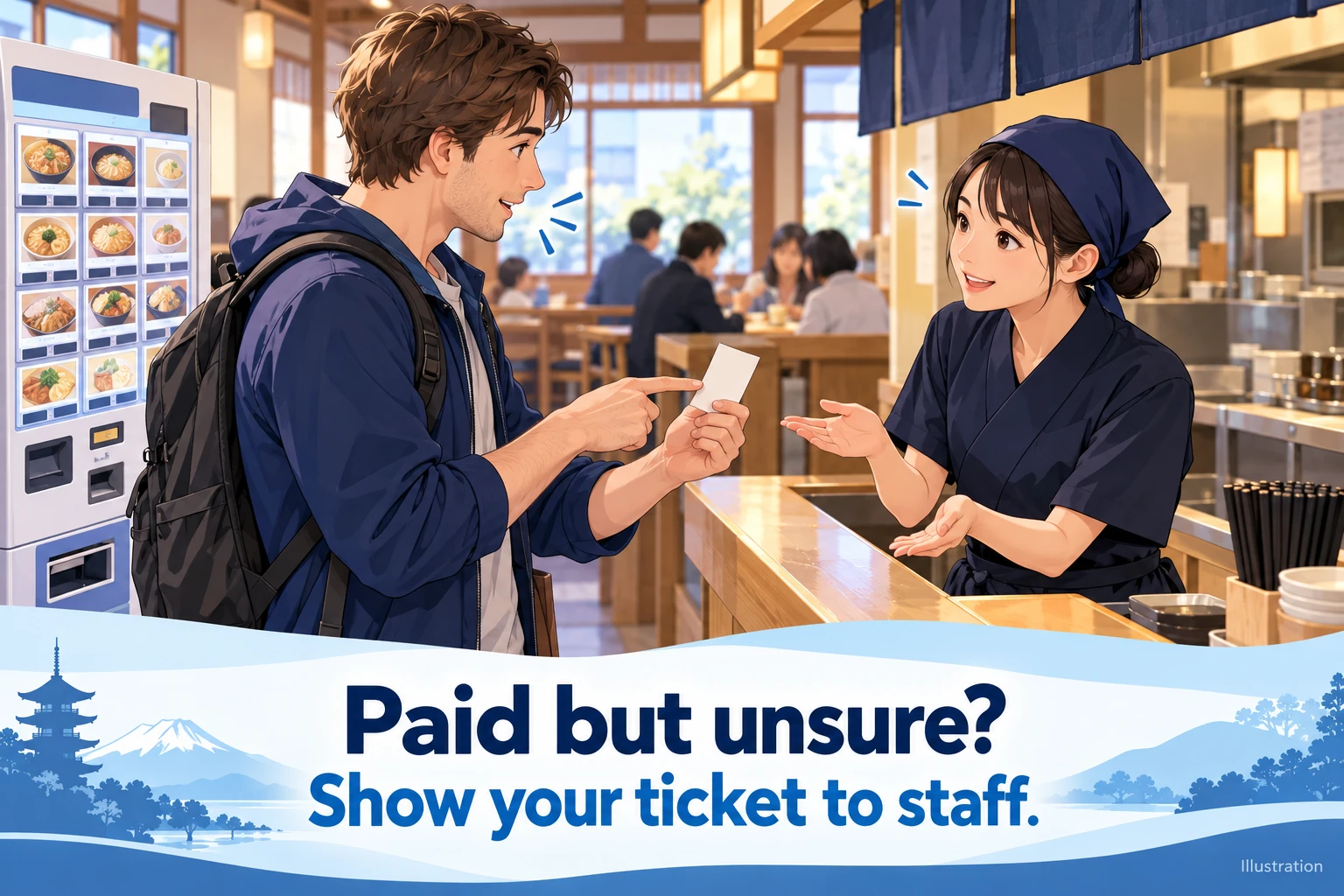
Ticket printed, but no food: ask whether staff need the ticket and whether your order is being prepared. Watch for the ready notice or listen for the number if that is the system. Do not treat another customer receiving food first as proof that your order was missed.
No ticket printed, payment uncertain: keep the machine’s message visible if possible and ask staff. Explain the approximate time, item, amount and payment method. Show a payment confirmation privately if needed; do not expose your PIN or full card details. A phone notification alone does not tell you whether the restaurant received the order.
Wrong item or eat-in/takeaway selection: tell staff immediately, before making a replacement purchase. Point to the purchased item and the intended one. Changes and refunds depend on the restaurant and the stage of preparation; they are not guaranteed.
Machine not accepting payment: check its supported methods and ask staff about an alternative. If an earlier attempt might have succeeded, clarify that first. For a broader card problem, see foreign card declined in Japan.
5. Show staff one clear question
Show the ticket with the question that matches the problem. These phrases ask for clarification without assuming the restaurant made a mistake.
この食券はどこに渡せばいいですか?
Where should I hand in this meal ticket?
この注文は通っていますか?
Has this order been received?
この番号は、まだ調理中ですか?
Is the order with this number still being prepared?
支払いましたが、食券が出ませんでした。
I paid, but no meal ticket came out.
注文を間違えました。変更できますか?
I ordered the wrong item. Can it be changed?
For other situations, save our Japanese phrase cards. When ordering at a restaurant with a tablet or staff service instead, follow that restaurant’s instructions; do not assume a meal-ticket workflow applies.
Official examples checked October 29, 2026. This is researched practical guidance, not a report of a visit or a test of every machine. Illustrations show hypothetical situations and do not reproduce official screens. Follow staff instructions and the notices at the restaurant.